
Simpsons Graduation season: Personal Card Ideas
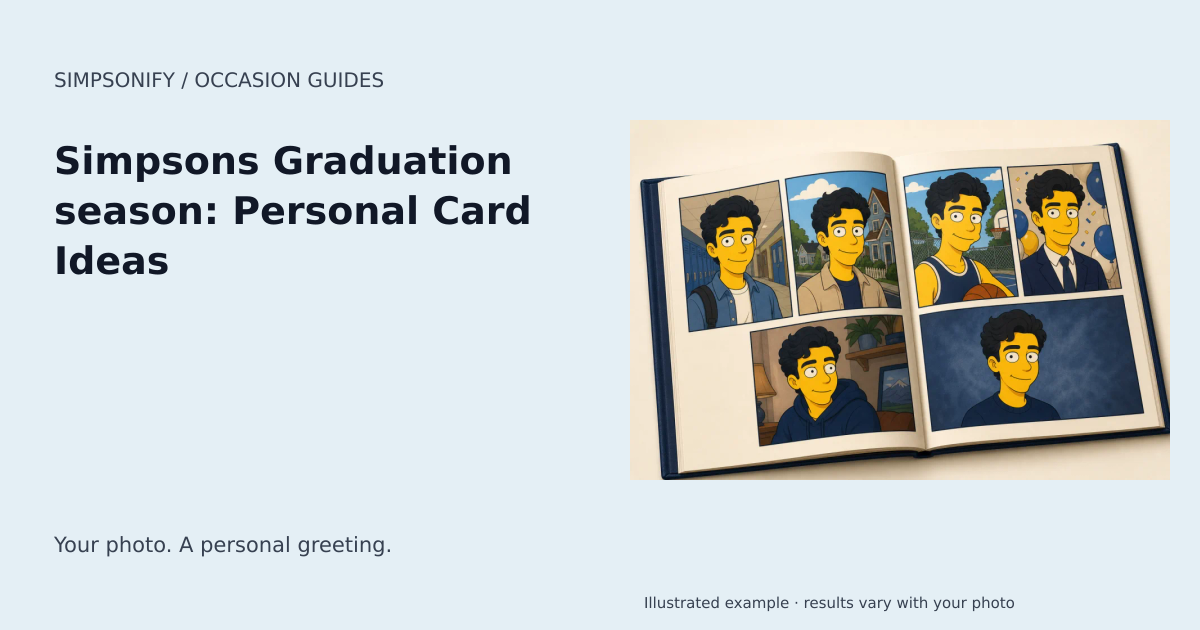
Make the occasion personal
Graduation is a personal milestone, and the strongest card usually starts with a photograph the graduate actually likes. Use a clear portrait from the ceremony or a familiar everyday picture; do not invent a university crest, qualification, or award. The June window is an editorial reminder for selected markets, not a claim that every school graduates then. Put the real class year and a specific congratulatory message in the editor. A note about the effort behind the achievement can feel more meaningful than a generic prediction about future success.
Choose a photo and a message that belong together
Use a clear photograph with the people you want already in the frame. Check the expressions, crop, and clothing before selecting the finished portrait for your card. The themed illustration sets the atmosphere; your own words provide the personal detail. One specific memory or a sincere wish is usually enough. For an invitation, confirm the actual gathering date with the host instead of treating the calendar reference as an event listing.
Finish your greeting
Open Make a card on your completed portrait. Choose a layout, add your greeting and message, and enter the recipient and sender exactly as you want them to appear. Names are left blank until you add them. Review spelling, accents, contrast, and any overflow message in the live preview. Export a portrait, landscape, or square PNG when the design is ready, then download or share it privately. Card editing uses the portrait you already own and adds no generation charge.
Create your Graduation season artwork
The ready-made theme opens with the occasion selected. Upload a clear reference photo, choose your look, and review the portrait before downloading. No written prompt is needed.
Create one themed portrait Explore the Yearbook
One portrait uses one credit. Sets use the existing product pricing shown before purchase; this theme adds no holiday surcharge. Open Make a card on your completed portrait to add a greeting and save a private design. Card editing and PNG exports are included; printing and delivery are not offered.
When to plan your greeting
Calendar reference for 2027: June 1, 2027 – June 30, 2027. Start preparing your card around May 11, 2027. You can create with this theme year-round.
Editorial June keepsake campaign only. School and university ceremonies vary; confirm the actual institution date.
Date references: gov.uk. Reviewed September 6, 2026. Check local arrangements for the gathering or observance you intend. For later years, check the linked calendar before making plans.