
Simpsons Orthodox Easter: Personal Card Ideas
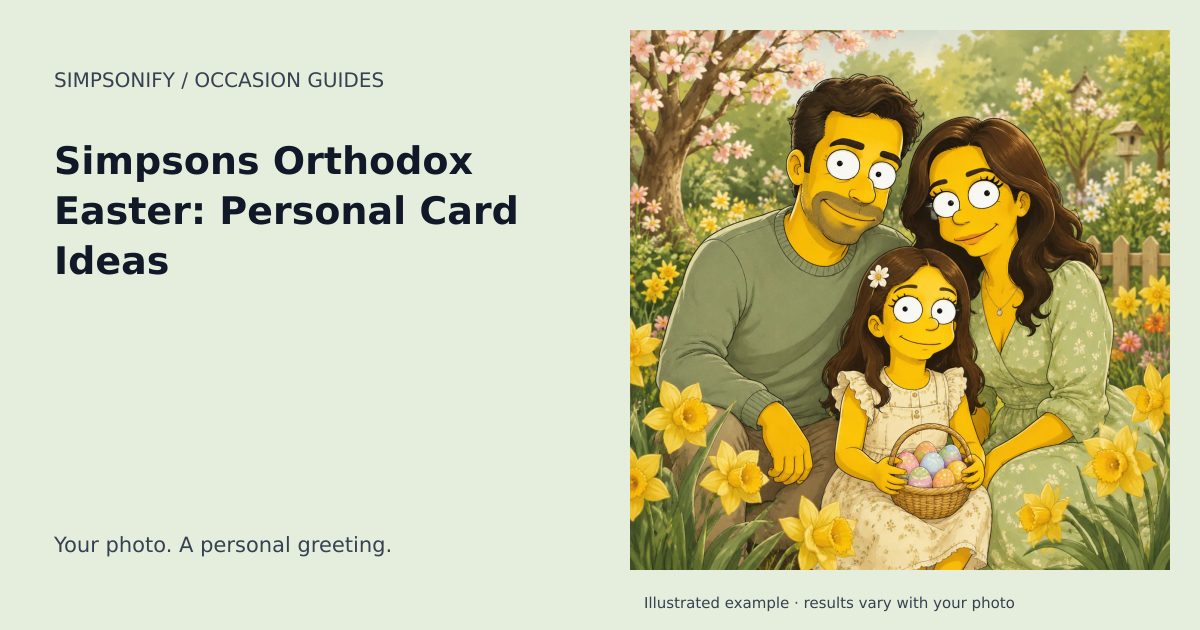
Make the occasion personal
Orthodox Easter follows its own calendar and should not be treated as a late version of a Western campaign. Ask which greeting the recipient’s family uses and keep it accurate in the editor. A red egg or a restrained floral detail can suggest the season while the portrait remains central. Avoid invented icons, sacred figures, or ceremonial clothing added to someone’s image. For a family living across several countries, make the date and wording follow their tradition rather than the country where you happen to be sending from.
Choose a photo and a message that belong together
Use a clear photograph with the people you want already in the frame. Check the expressions, crop, and clothing before selecting the finished portrait for your card. The themed illustration sets the atmosphere; your own words provide the personal detail. One specific memory or a sincere wish is usually enough. For an invitation, confirm the actual gathering date with the host instead of treating the calendar reference as an event listing.
Finish your greeting
Open Make a card on your completed portrait. Choose a layout, add your greeting and message, and enter the recipient and sender exactly as you want them to appear. Names are left blank until you add them. Review spelling, accents, contrast, and any overflow message in the live preview. Export a portrait, landscape, or square PNG when the design is ready, then download or share it privately. Card editing uses the portrait you already own and adds no generation charge.
Create your Orthodox Easter artwork
The ready-made theme opens with the occasion selected. Upload a clear reference photo, choose your look, and review the portrait before downloading. No written prompt is needed.
Create one themed portrait Explore the Postcards
One portrait uses one credit. Sets use the existing product pricing shown before purchase; this theme adds no holiday surcharge. Open Make a card on your completed portrait to add a greeting and save a private design. Card editing and PNG exports are included; printing and delivery are not offered.
When to plan your greeting
Calendar reference for 2027: May 2, 2027. Start preparing your card around April 11, 2027. You can create with this theme year-round.
Date references: timeanddate.com · reference 1, timeanddate.com · reference 2. Reviewed September 6, 2026. Check local arrangements for the gathering or observance you intend. For later years, check the linked calendar before making plans.